
Documentation
Mapping
VFX Loom 1.0 reference for the Mapping node.
Transform
transform.mapping 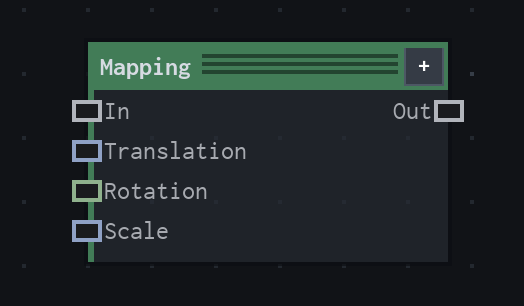
Overview
Transforms procedural coordinates before a generator samples them.
Lazy coordinate transform; no image allocation. Connected transform inputs override their corresponding local parameters.
- Category
- Transform
- Internal ID
transform.mapping- Version
- VFX Loom 1.0
Inputs
| Input | Type | Required | Default | Meaning |
|---|---|---|---|---|
| in | Field | Optional | — | defaults to UV |
| translation | Vector2 | Optional | (0,0) | connected value overrides local Translation |
| rotation | Scalar | Optional | 0 | degrees around UV center |
| scale | Vector2 | Optional | (1,1) | scale around UV center |
Properties
| Property | Type | Default | Animatable | Range / options | Effect |
|---|---|---|---|---|---|
| Translation | Vector2 | (0,0) | Yes | — | Animatable control; changing it over time varies the node response. |
| Rotation | Scalar | 0 degrees | Yes | Hard -360..360 · UI range: soft | Animatable control; changing it over time varies the node response. |
| Scale | Vector2 | (1,1) | Yes | — | Animatable control; changing it over time varies the node response. |
Outputs
| Output | Type | Meaning |
|---|---|---|
| out | Field | The production node output described by the overview. |
Usage
In practice
- Use Mapping when the graph needs Transforms procedural coordinates before a generator samples them.
- Lazy coordinate transform; no image allocation. Connected transform inputs override their corresponding local parameters.
- Use it where the graph needs coordinate or image-space movement; keep sampling and edge policy aligned with the source artwork.
Examples
These examples show Mapping in supplied VFX Loom graph setups. Each graph link opens the corresponding node reference; the explanation below the media is specific to this node's role in that setup.
Shape / Warp / Glow with a moving wave branch
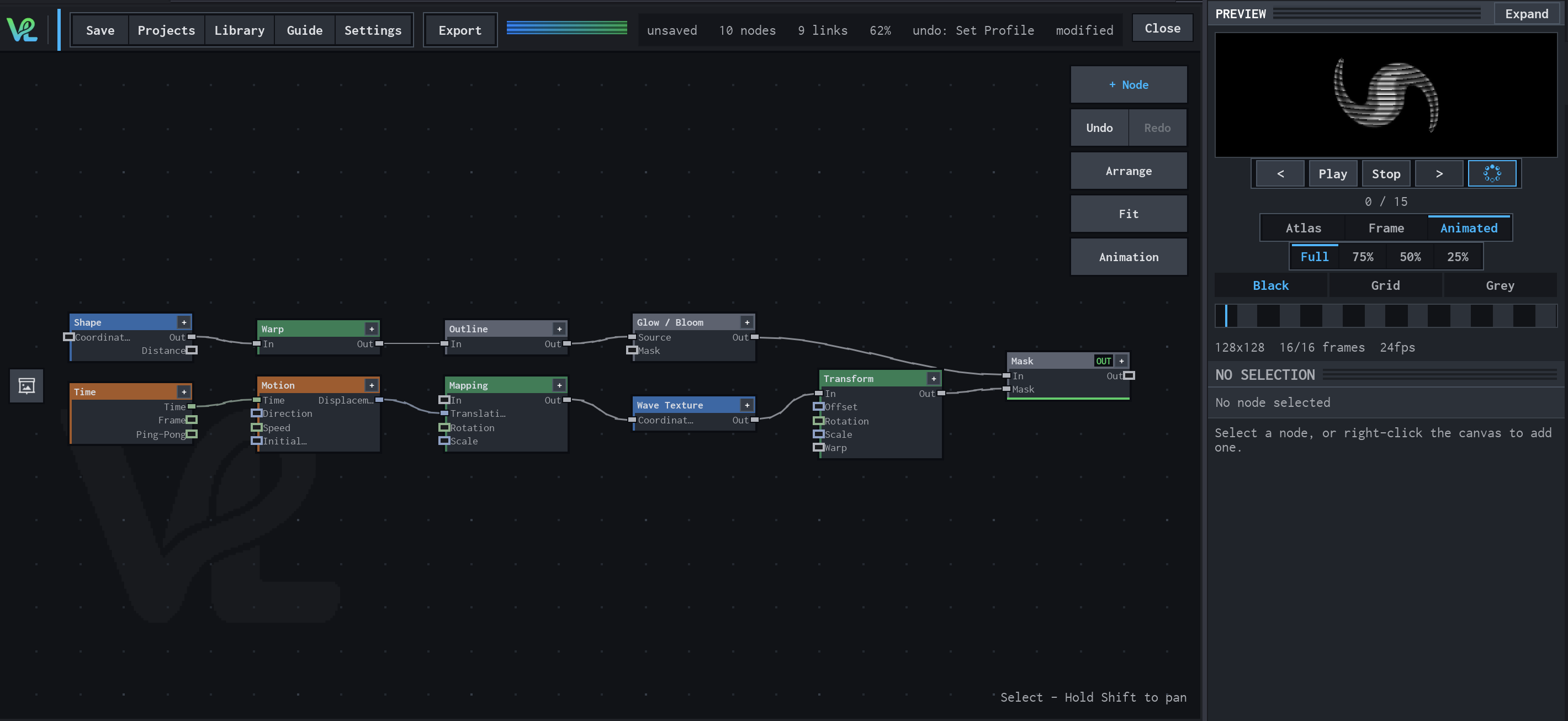
Two branches meet at Mask: a Shape branch is warped, outlined, and bloomed, while Time drives Motion → Mapping → Wave Texture → Transform to create a moving secondary field.
How Mapping contributes
Mapping applies the Motion displacement to the procedural coordinates before Wave Texture samples them.
Notes / limitations
- No component bounds or step is declared for Translation or Scale.