
Documentation
Morphology
VFX Loom 1.0 reference for the Morphology node.
Filters
processing.morphology 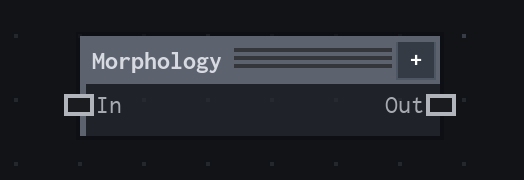
Overview
Dilates or erodes visible alpha.
Alpha-neighborhood morphology; current production modes are Dilate and Erode.
- Category
- Filters
- Internal ID
processing.morphology- Version
- VFX Loom 1.0
Inputs
| Input | Type | Required | Default | Meaning |
|---|---|---|---|---|
| in | Image | Required | — | See the overview for the node's documented behavior. |
Properties
| Property | Type | Default | Animatable | Range / options | Effect |
|---|---|---|---|---|---|
| Mode | Enum | Dilate | Not declared | Dilate · Erode | Dilate expands visible alpha; Erode contracts it. |
| Radius | Scalar | .02 | Yes | Hard 0..0.25 | Sets the neighbourhood size as a fraction of the shorter image dimension. |
Outputs
| Output | Type | Meaning |
|---|---|---|
| out | Image | The production node output described by the overview. |
Usage
In practice
- Use Dilate to expand visible alpha and Erode to contract it. This is useful for mask cleanup, silhouette growth, and controlled gaps between shapes.
- Radius is a fraction of the shorter image dimension, so the same authored value remains comparable when the render resolution changes.
- Apply Morphology before colour when the alpha shape is the thing being designed; use Blur afterward when the expanded or contracted edge needs softness.
Worked example: Shape → Morphology → Colorize
Adjust a procedural silhouette before turning it into a final colour and alpha treatment.
- Connect Shape Out to Morphology and start with Dilate at a small Radius.
- Switch to Erode when the mask should shrink or create a larger internal gap, then compare the result at the final image resolution.
- Connect the result to Colorize or Composite after the alpha boundary is correct.
Notes / limitations
- The current production modes are Dilate and Erode; Morphology does not provide a general-purpose blur or distance-field output.
- The source does not declare a parameter step for Radius.